Hi everyone,
I’m pleased to share a project I’ve been working on: a mobile app for Gibbon.
It’s long been a dream of mine to help make Gibbon — which I find to be one of the most robust school management platforms out there — even easier to use on a phone. Gibbon’s web interface is already very mobile-friendly; this app aims to take that a step further with a native mobile experience.
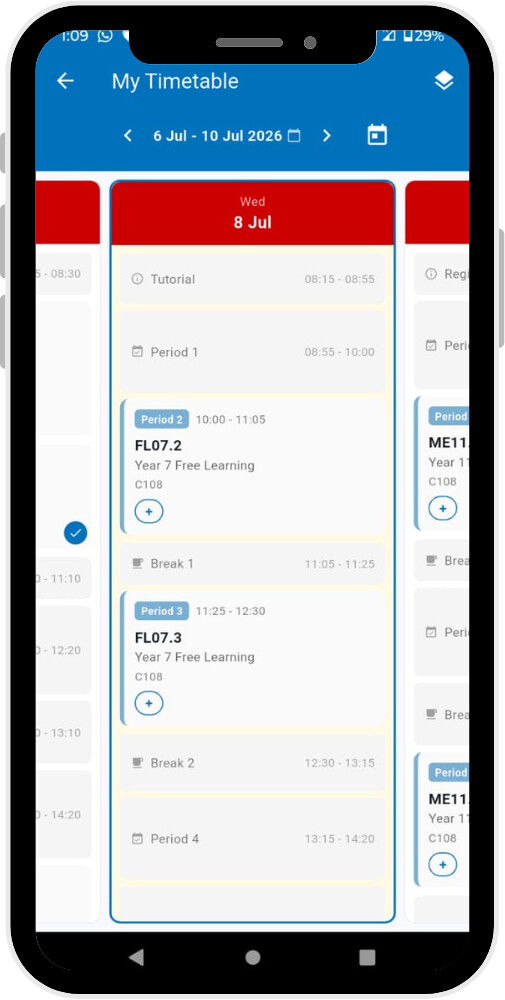
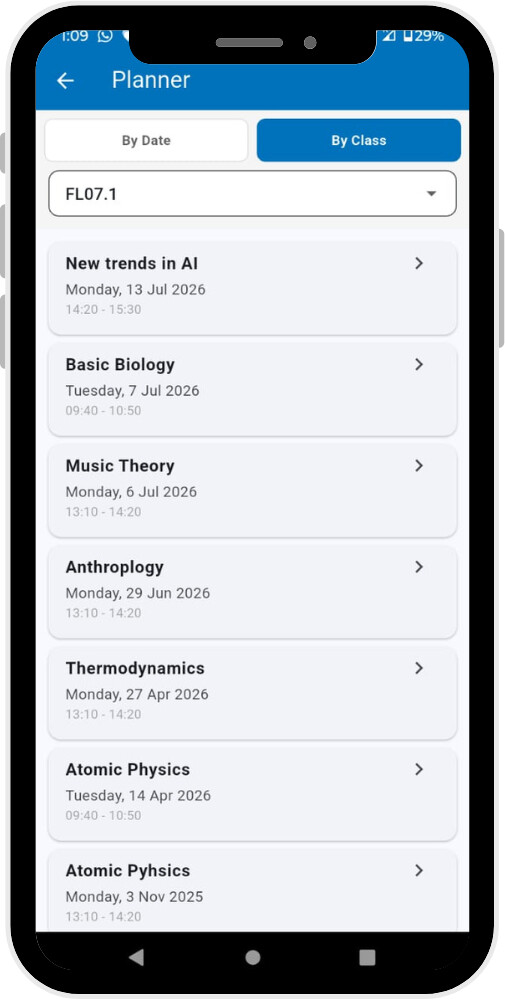
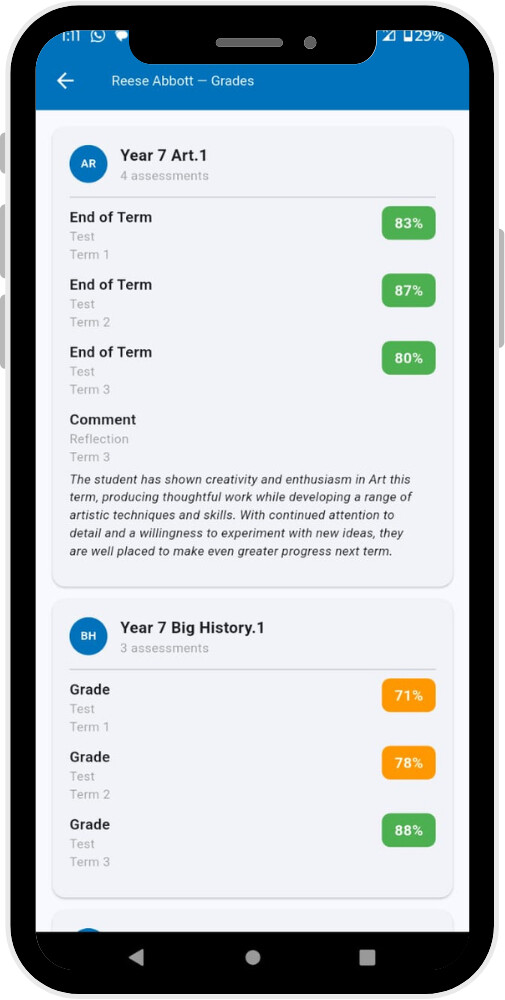
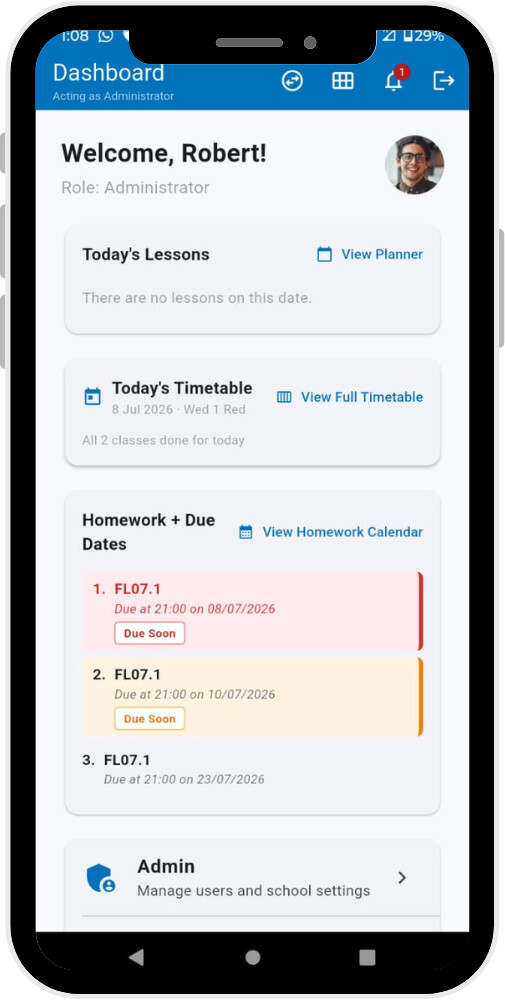
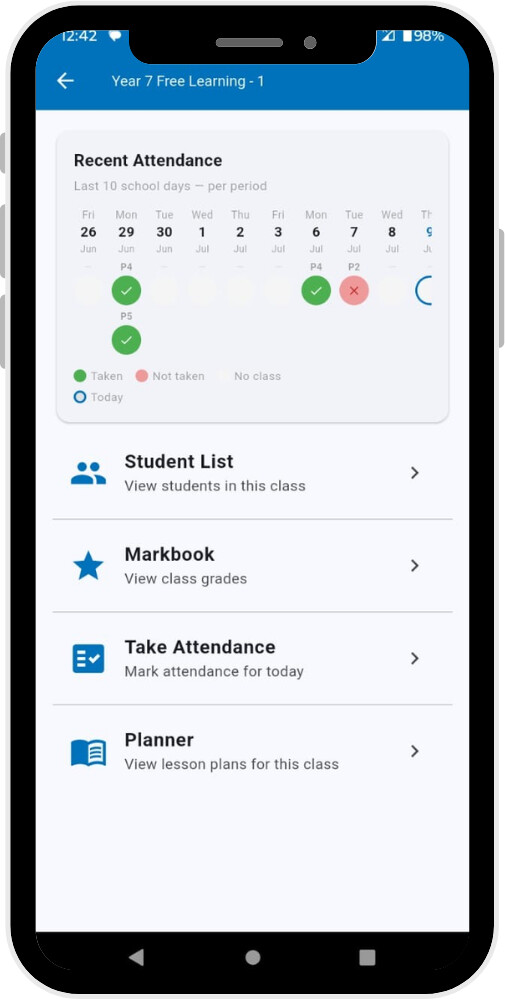
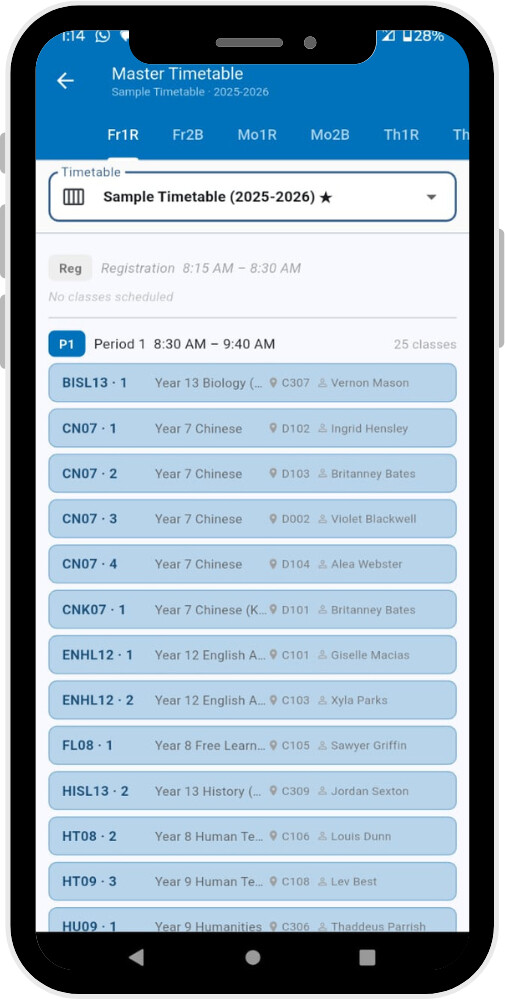
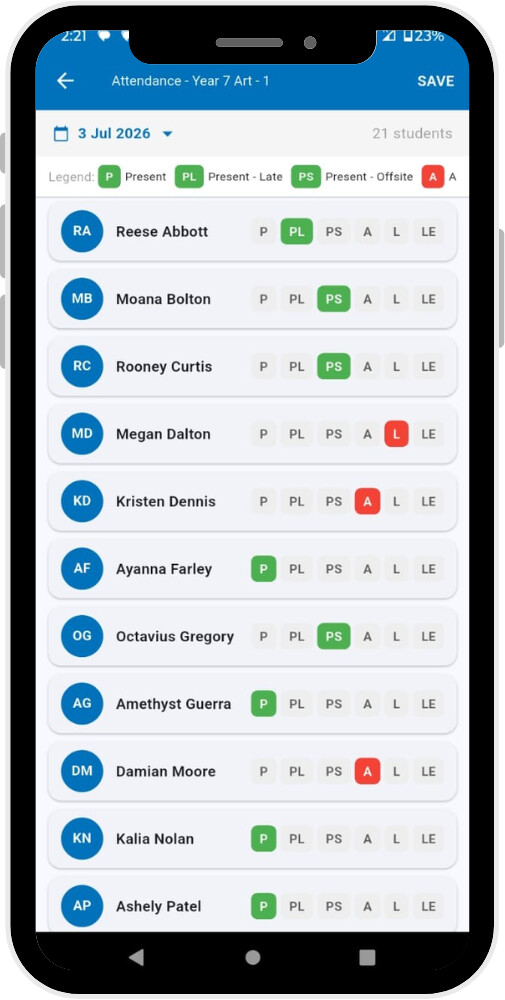
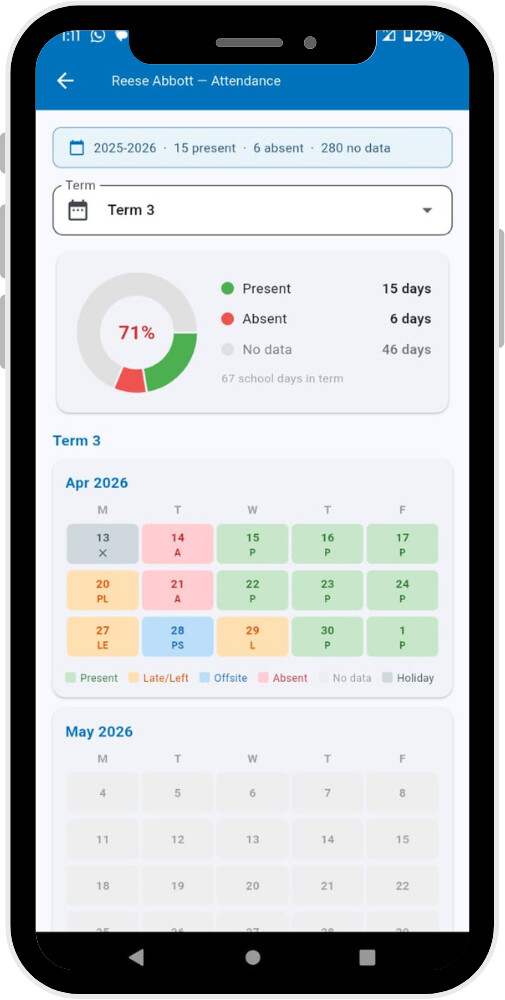
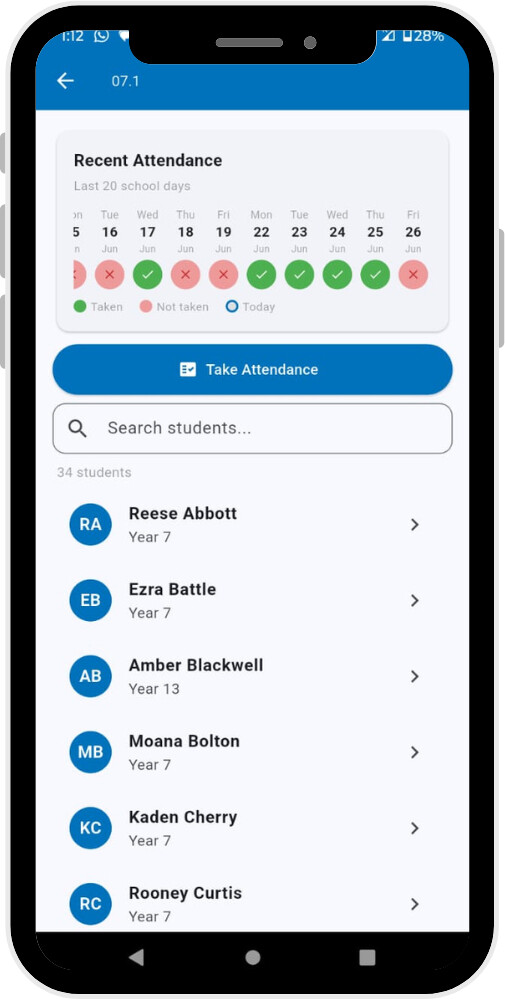
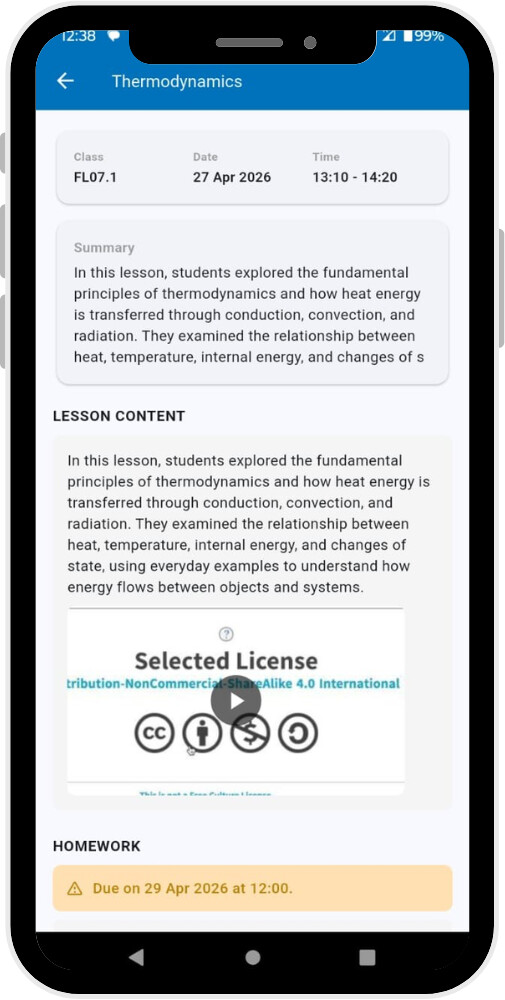
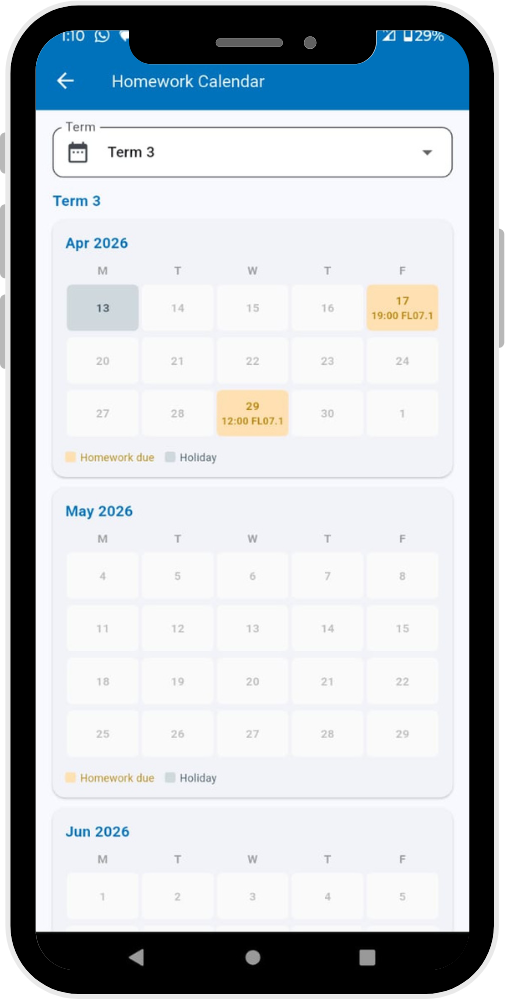
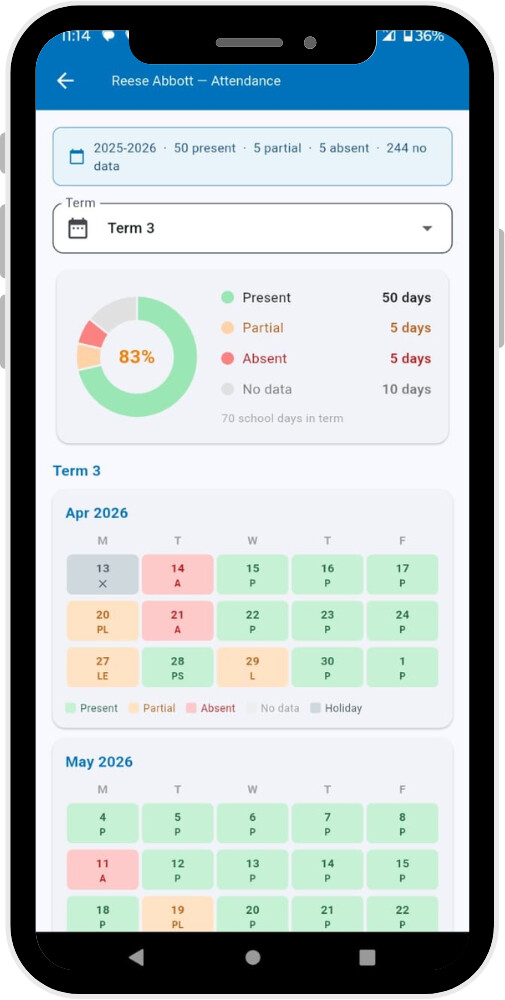
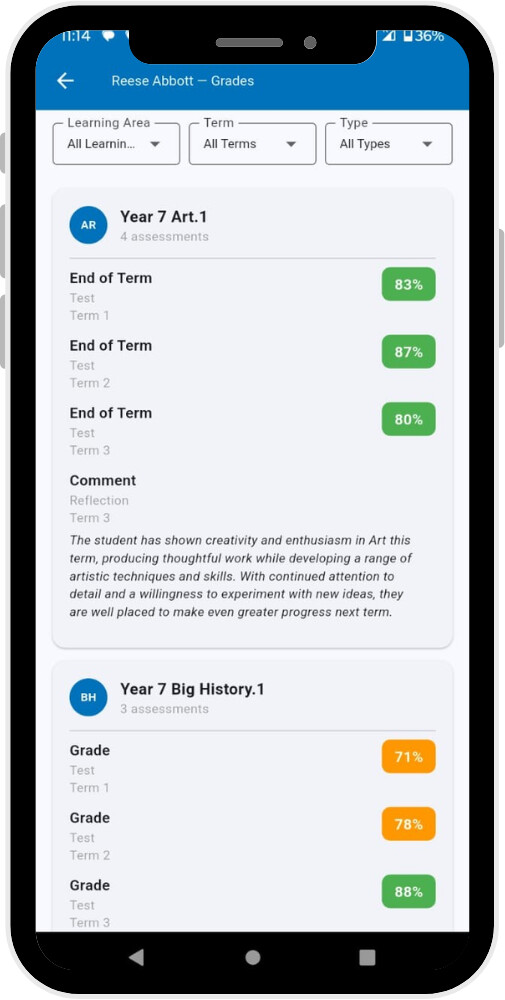
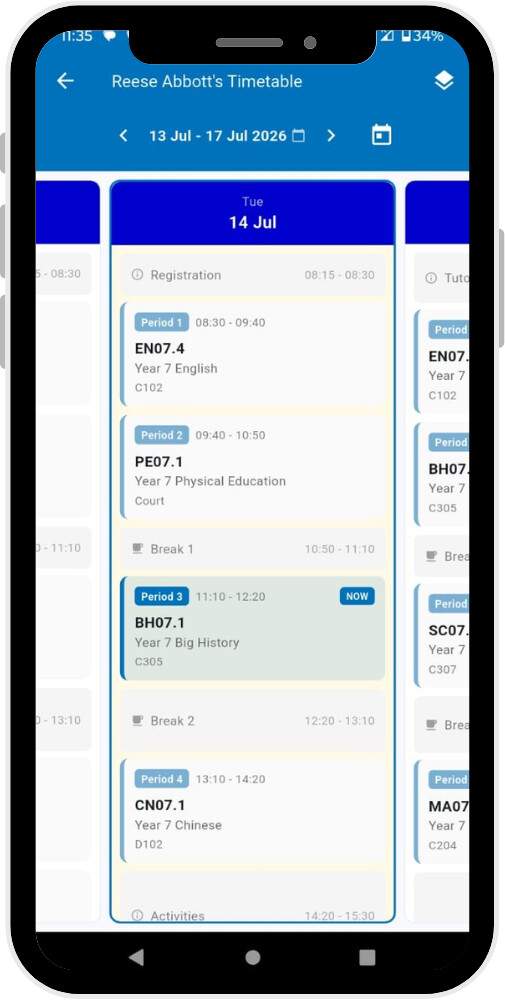
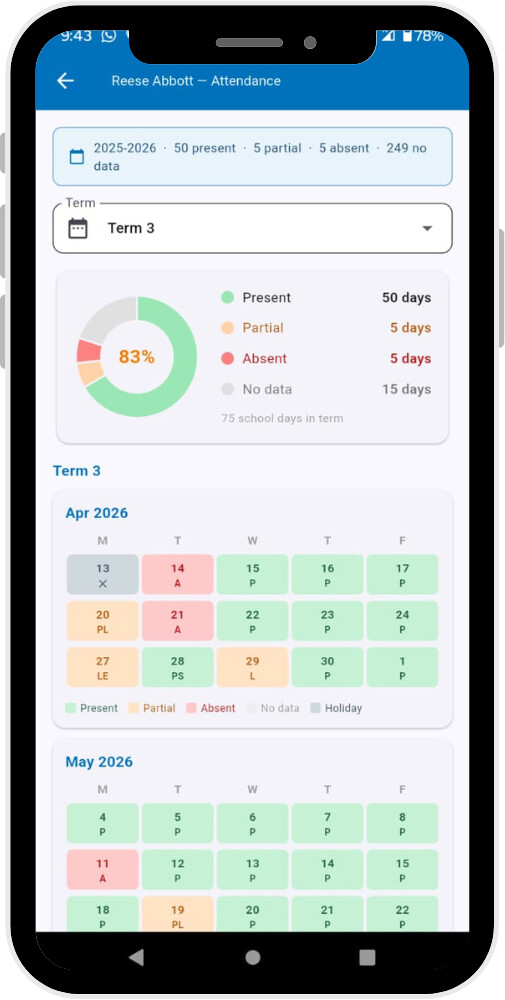
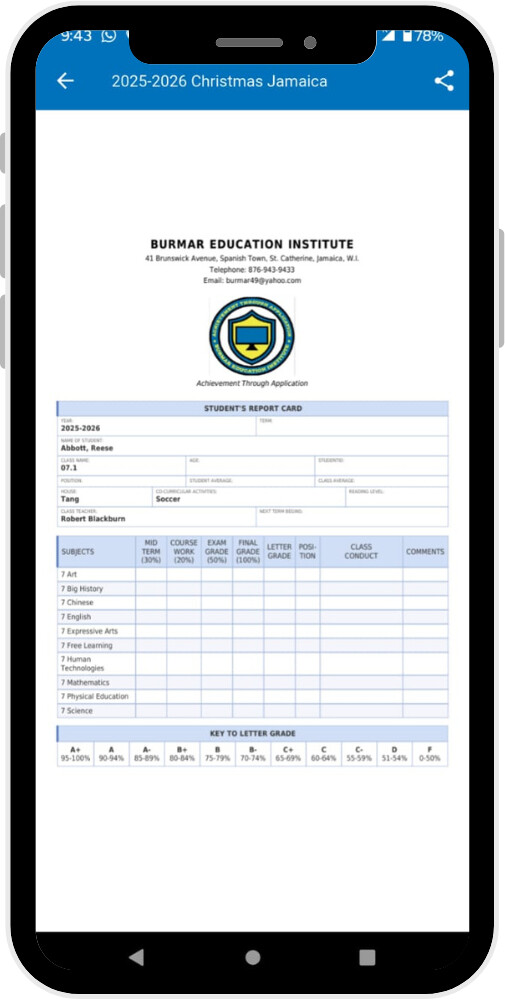
Why an app? Administrators, teachers, parents, and students are increasingly on their phones day to day, so I wanted to bring some of the most commonly used everyday features into a native experience. The app doesn’t try to replace everything the web version does — it can’t, and isn’t meant to — but rather gives people fast, convenient access to the things they check most often: timetables, homework and due dates, grades, attendance, the planner, staff directories, and similar day-to-day features, designed for how people actually use their phones. I’ve also carried over Gibbon’s role and school-year switching, and added a few app-native touches on top, like a homework calendar view (inspired by a discussion I came across here on the forums). @SGi @rozojc
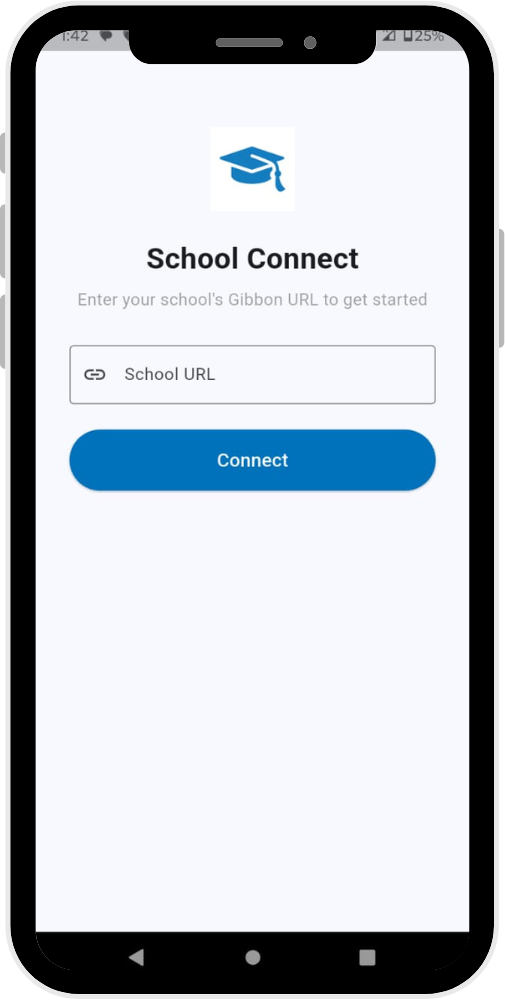
I’m using a generic placeholder name for now — School Connect — while I sort out the right name; expect that to change.
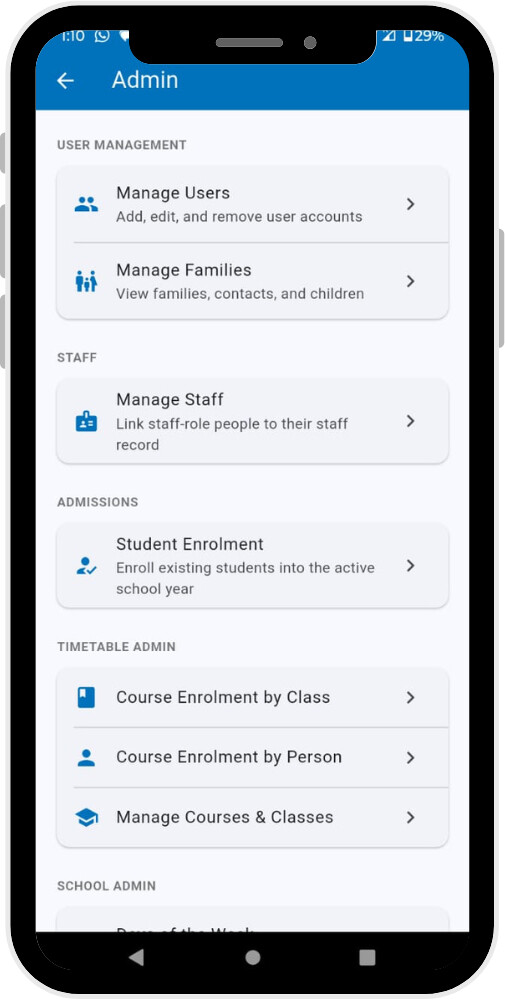
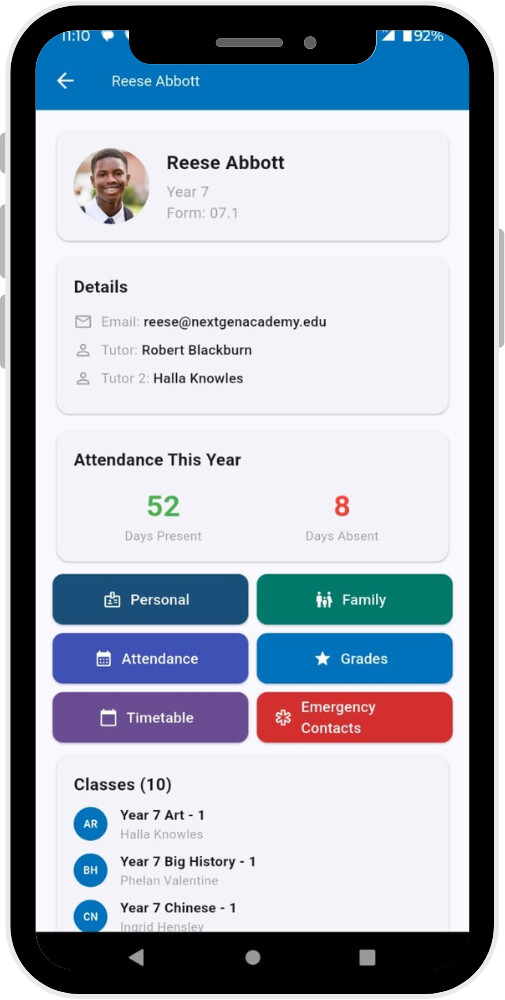
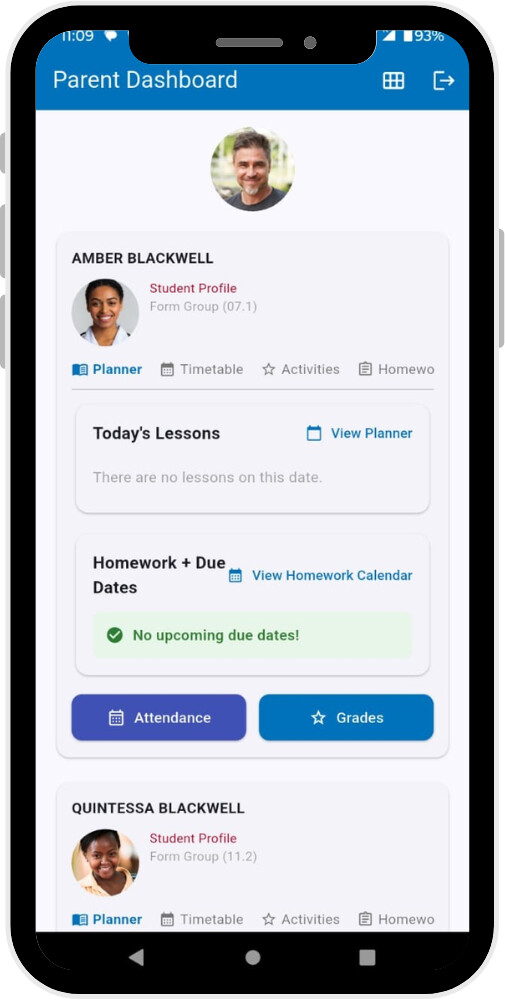
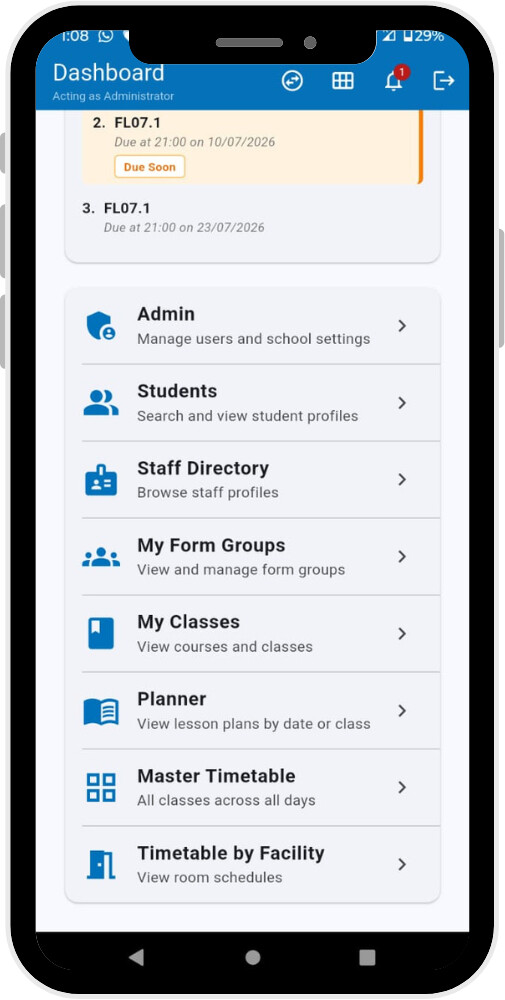
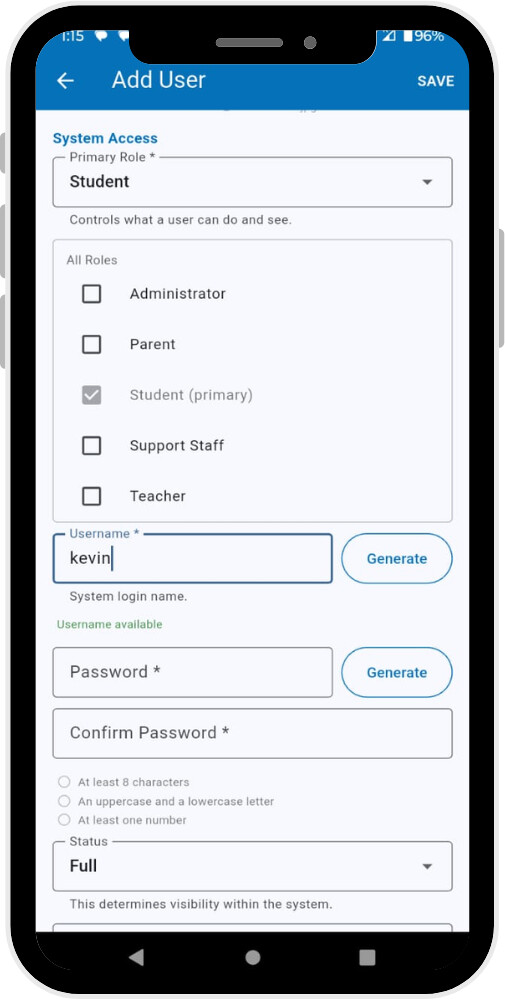
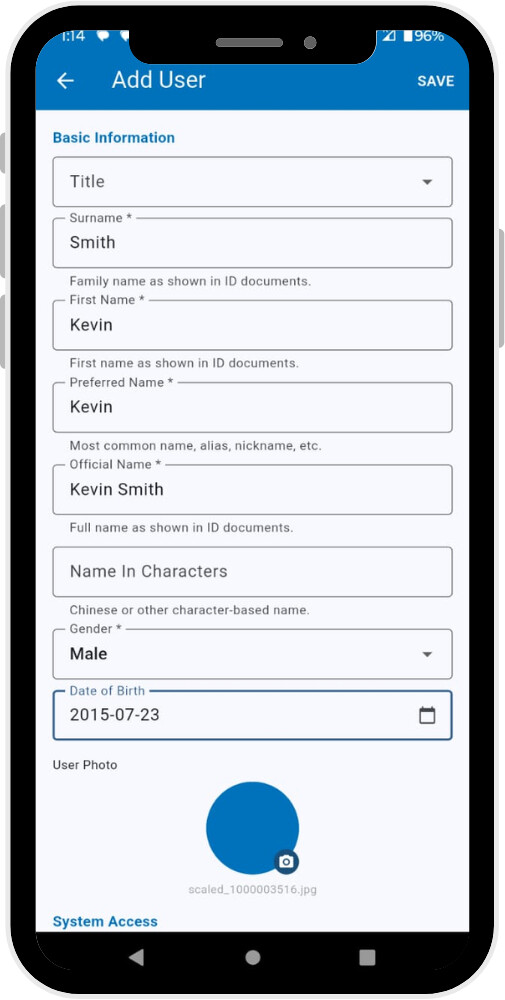
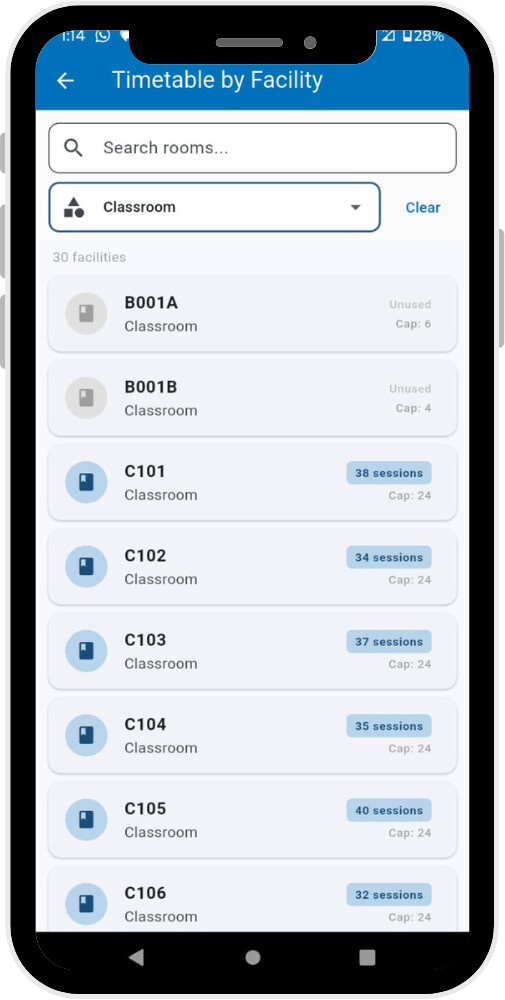
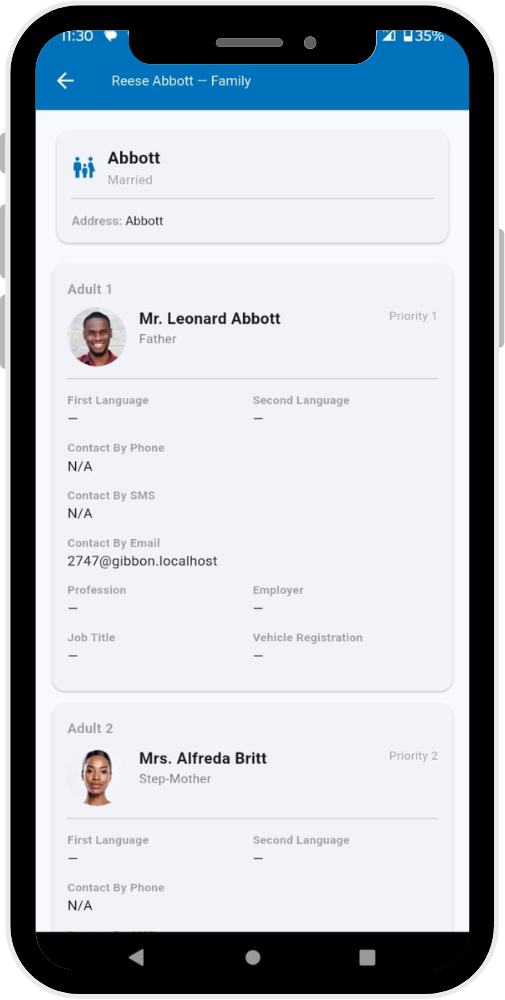
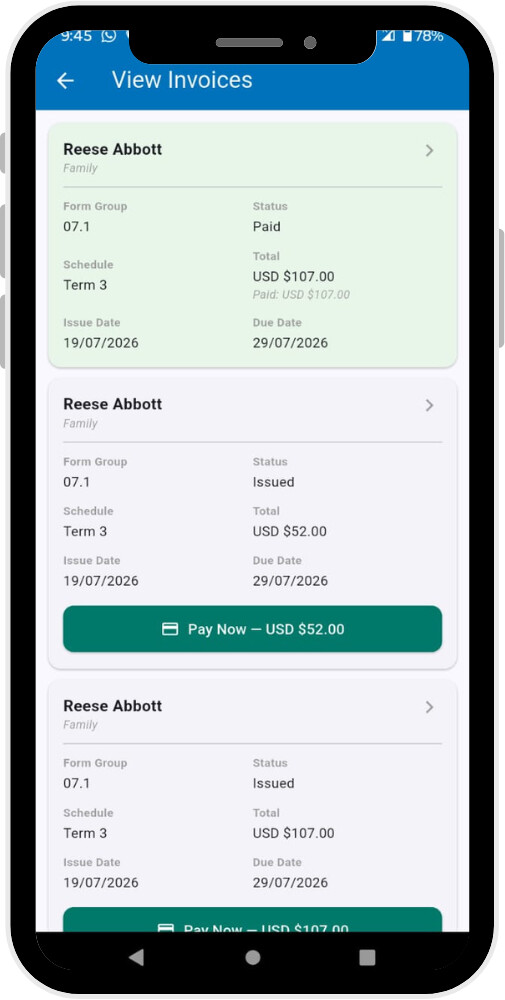
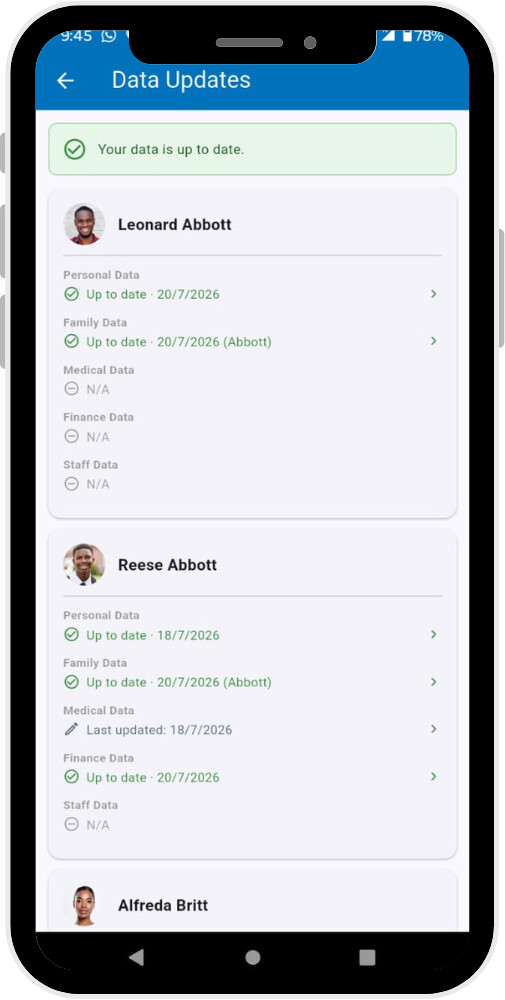
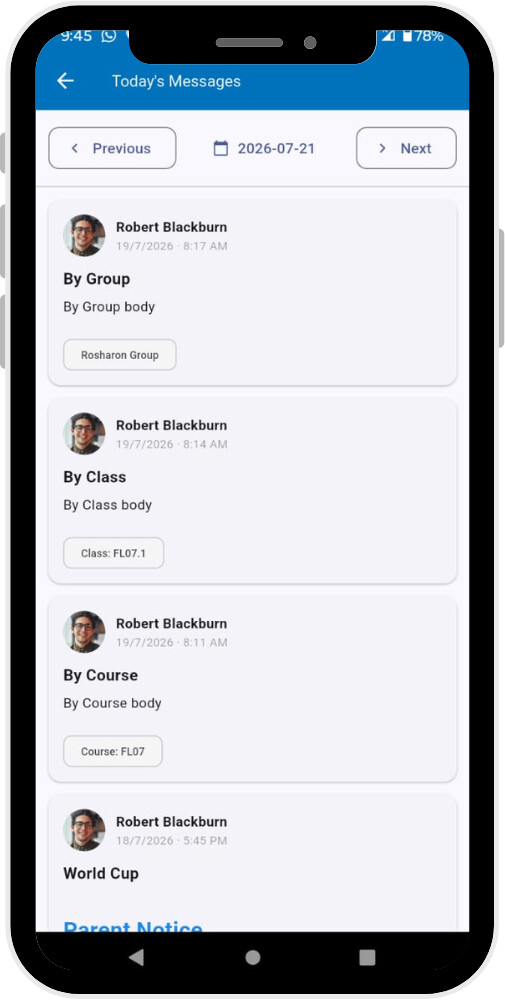
With around 55 screens, I’ve attached some screenshots below so you can see how the app is laid out. In the next post I’ll include a site map covering how everything connects.
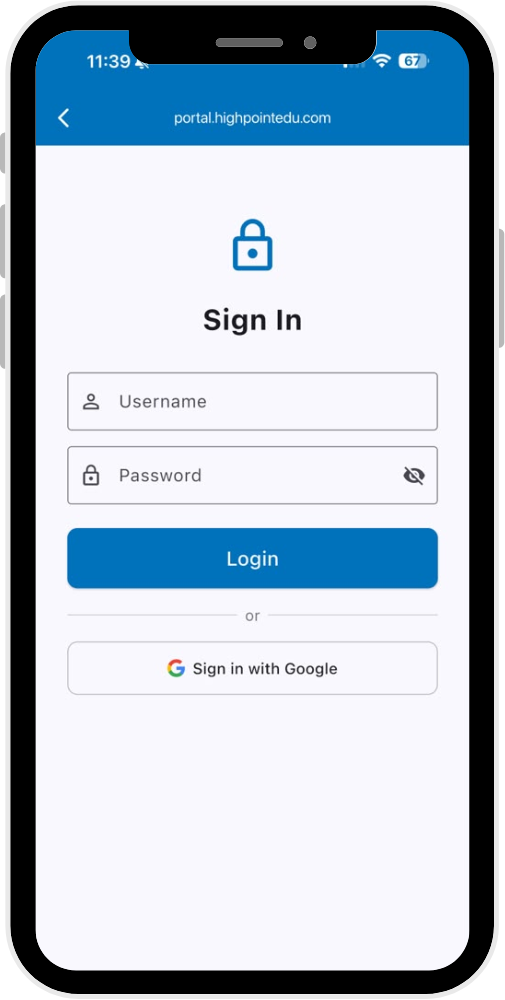
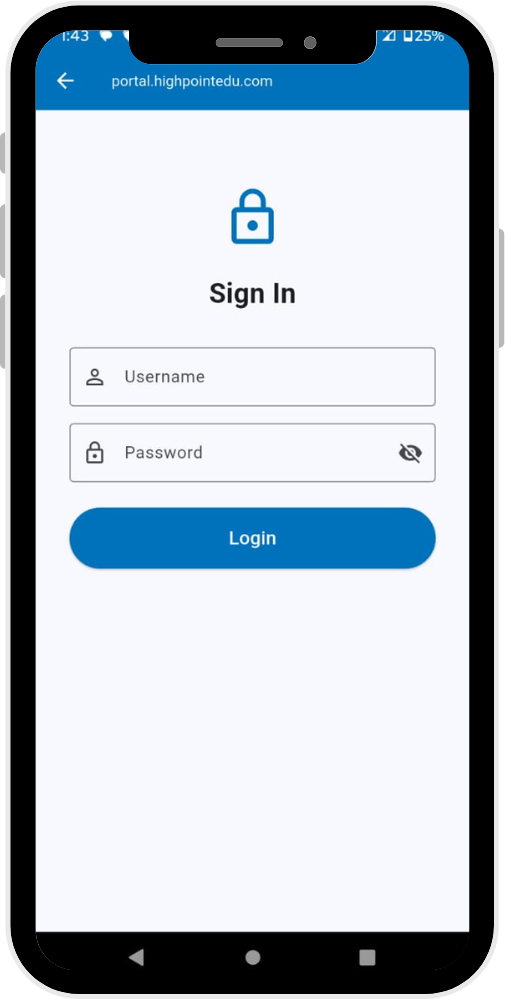
The app sits on top of any existing Gibbon site — the first thing you’re asked for is your site URL, then you log in as normal.
This is version 1, and my plan for now is to open it up to the community for testing and feedback before going further. I’ll share test site details (running on Gibbon demo data, no install needed) in a follow-up post shortly — want to make sure that’s clean first.
If you’d like to try it on your own device, let me know and I’d be glad to add you as a tester in the Play Store.
Your honest feedback — what’s useful, what’s missing, what feels off — would mean a lot at this stage.
Would you be interested in trying it out? Let me know below.
Thanks,
Tieku
@rossdotparker @sandra @Ali
 Reports
 Data Updater
 Messenger / Message Wall
 Finance
 Other improvements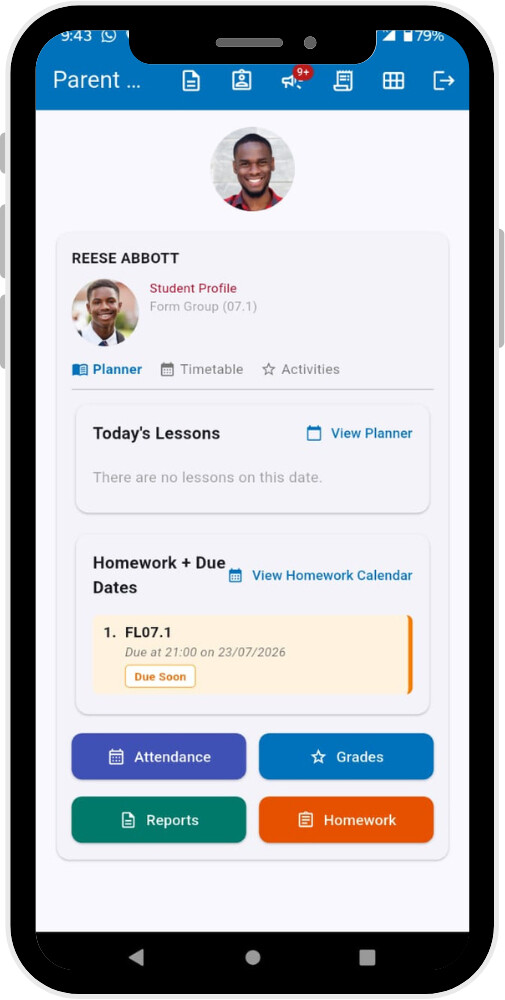
 but information systems developer. I would be happy to be part of the testers and provide valuable feedback both to you and the community.