Hello @Romuba
What a student’s report could look like depends on what you want on the report.
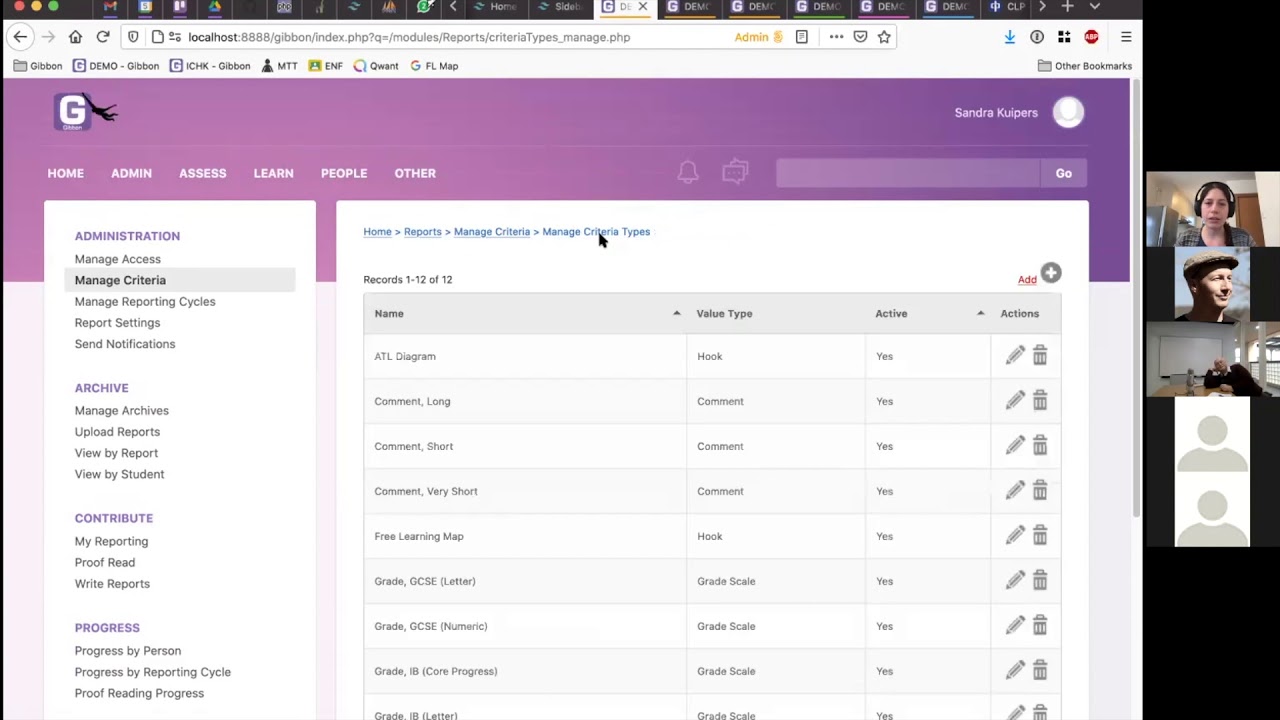
In the Reports module, using the Template Builder, you can use some of the pre-built elements to build your report: Cover Page, Logo, Comments, Courses Report, Form Group Report, Activities, Attendance, Signature Line, Images, Page Number, etc. To see this in action you can watch this tutorial video:
And you are right, there is no assessment data that comes with the demo install that you can use to generate reports.
It is also possible to build a custom report using grades entered in either the Formal Assessment or Markbook module.
With Gibbon you can use 2023/2024, 2023-2024, 2024 or anything you like for the school year.
Regards,
Tieku