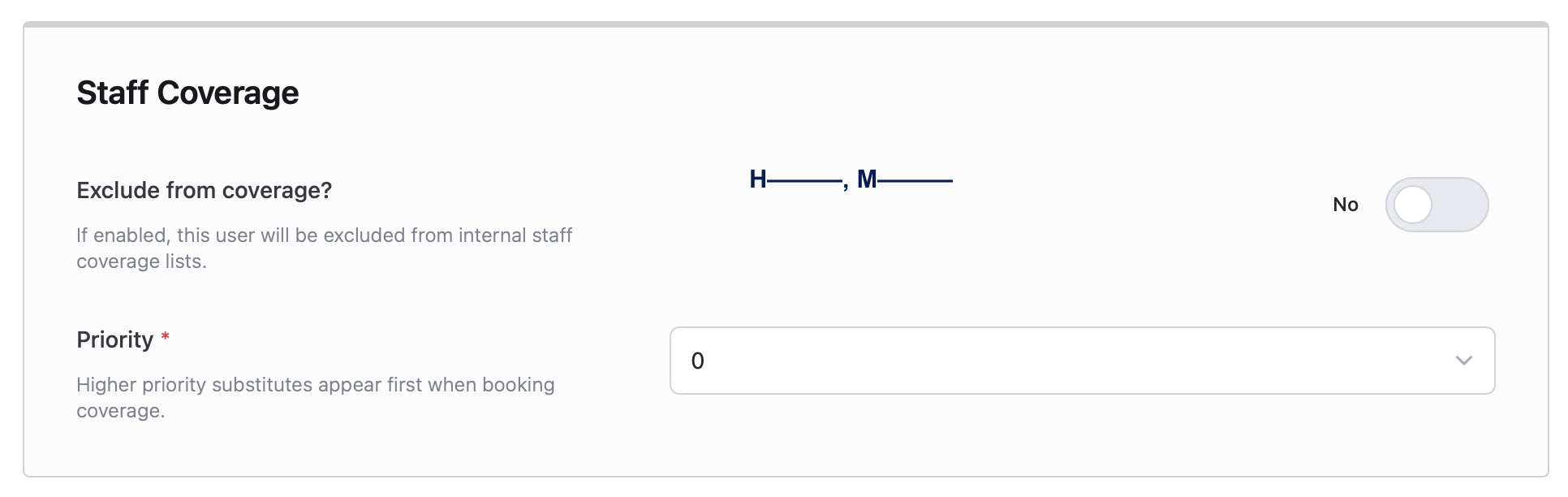
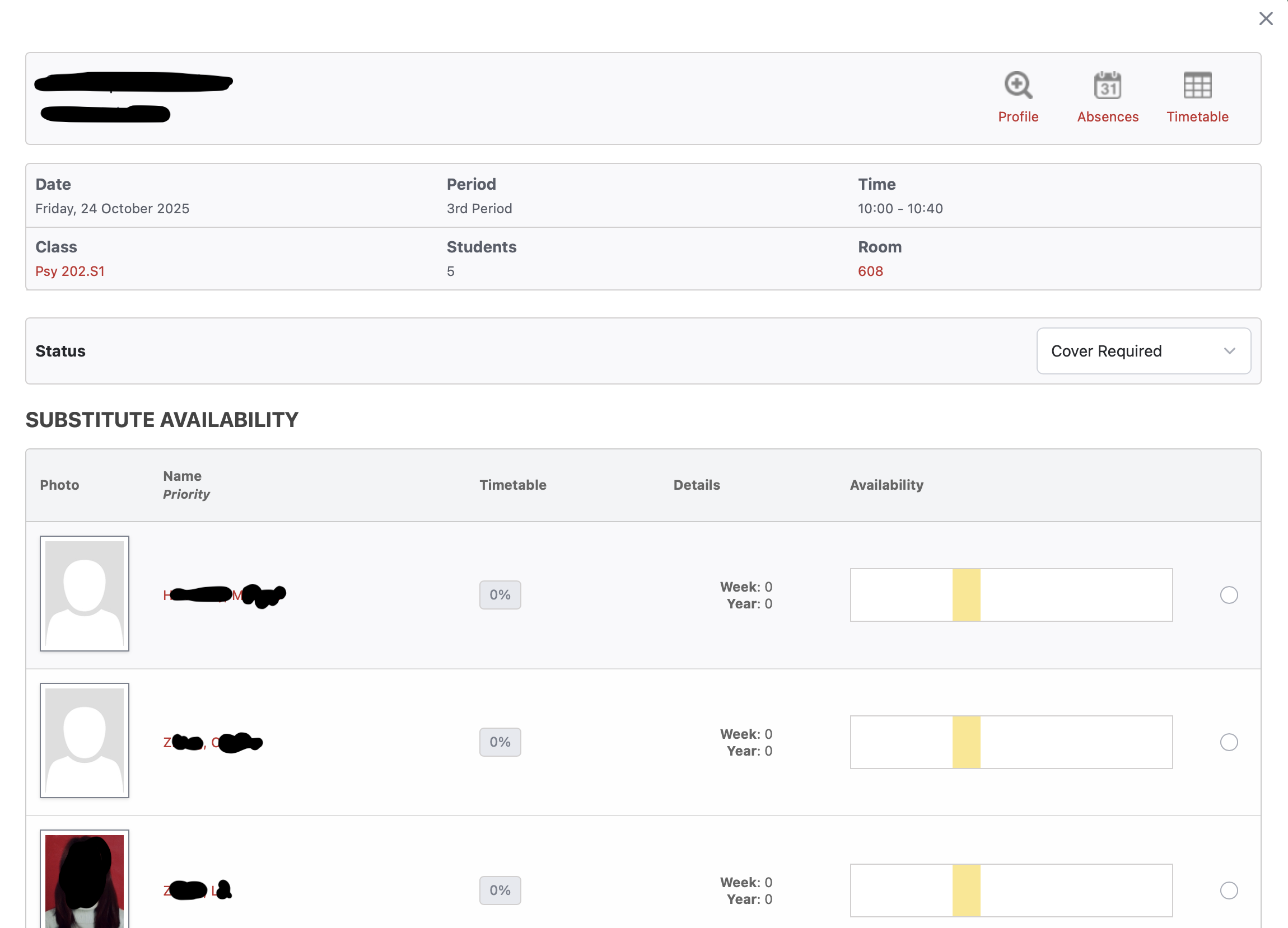
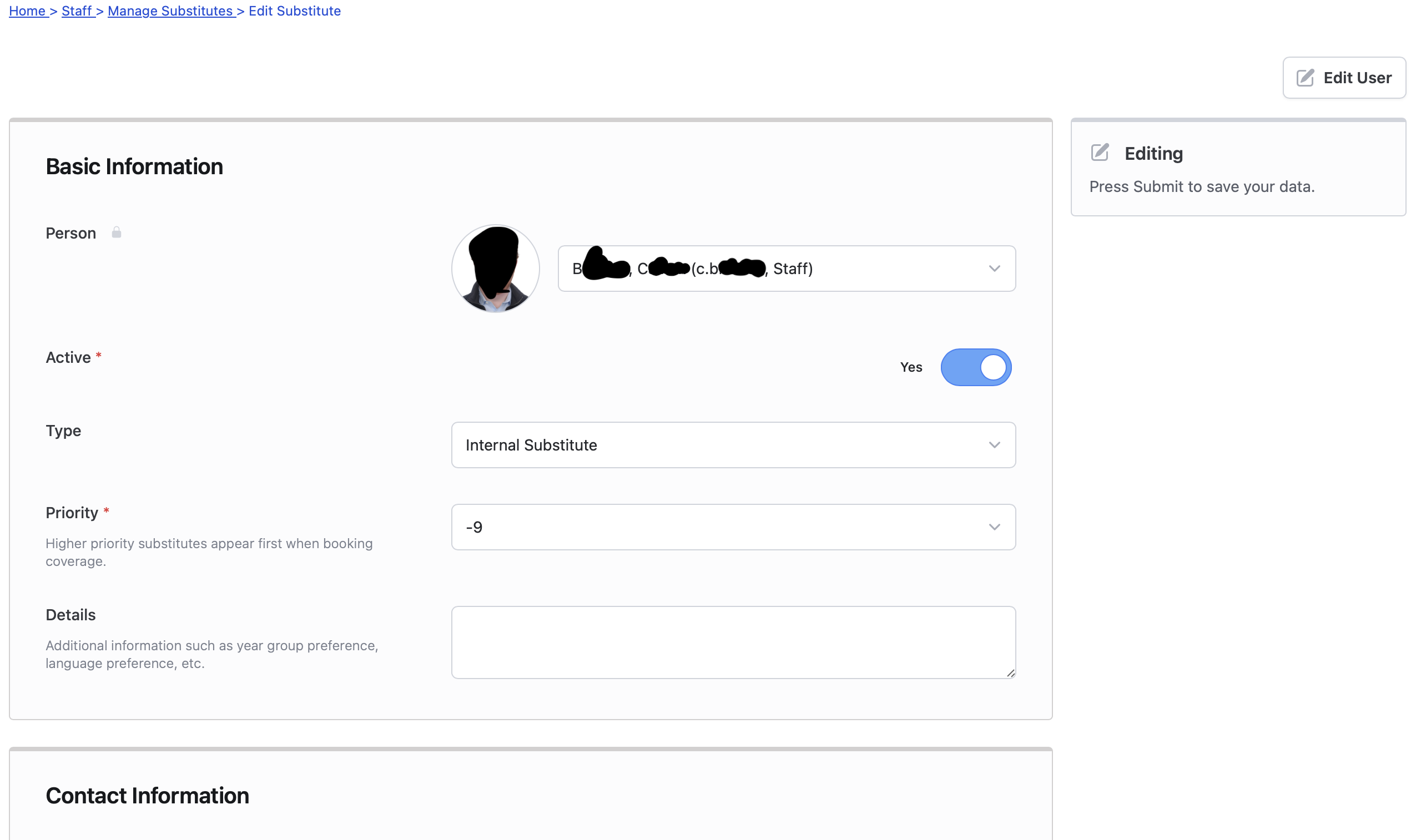
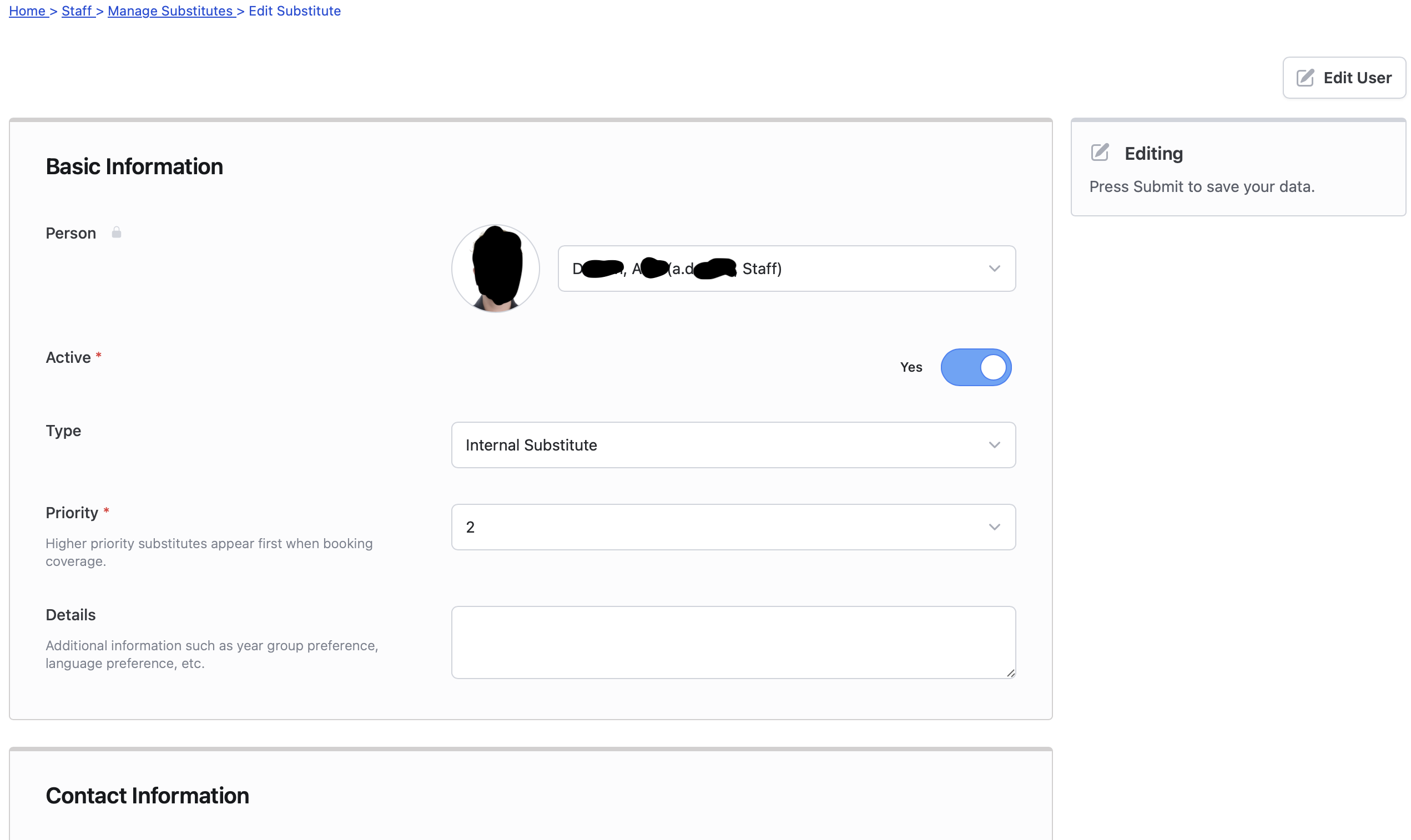
I’ve had a few issues with the substitute availability as it appears in several locations. I see that under Home > Staff > Manage Staff > Edit Staff there is a toggle to exclude from staff coverage (didn’t notice that until recently). However, there is also the section to list dedicated substitutes under Home > Staff > Manage Substitutes. Under this section internal subs can be added and their priority can be set. I’ve tried setting at both a low and high number, however it appears that this does not supered the Home > Staff > Manage Staff > Edit Staff priority list. In the photo examples below I have set the user D—, A— to priority 2 in the manage substitutes submenu, however they are at 0 in the Edit Staff menu. By contrast, the users H—, M—, Z—, L—, and Z—, C— have a priority of 0 in the Edit Staff menu and is not listed at all in the Manage Substitutes menu.
I have tried listing staff in the Manage Substitutes as both negative and positive numbers in case I had it backwards (I assume positive numbers are higher priority).
My expectation was that higher priority substitutes would appear at the top of the list when selecting for coverage, however this does not appear to be the case if the priority is managed from the Manage Substitutes submenu.