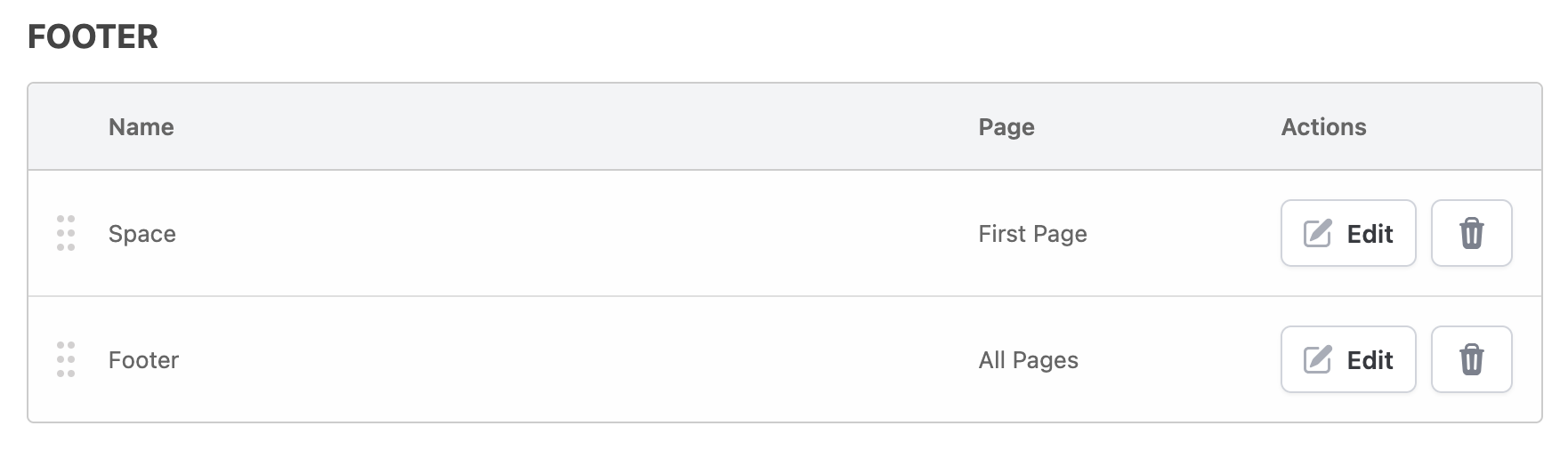
I’m trying to place a template section in the footer so that it appears on every page except the first page (the cover page), meaning it should start from page 2 onward.
Under Assess → Reports → Template Builder → Edit Template → Edit Section, I see the following options:
Display On:
- All Pages
- First Page
- Last Page
- Specific Page
Flags:
- No Page Wrap
- Page Break Before
- Page Break After
- Skip if Empty
- Is Last Page
Is there an option (or combination of options) that would accomplish this? This would be similar to “Different First Page” for Microsoft Word footers.
Thanks!