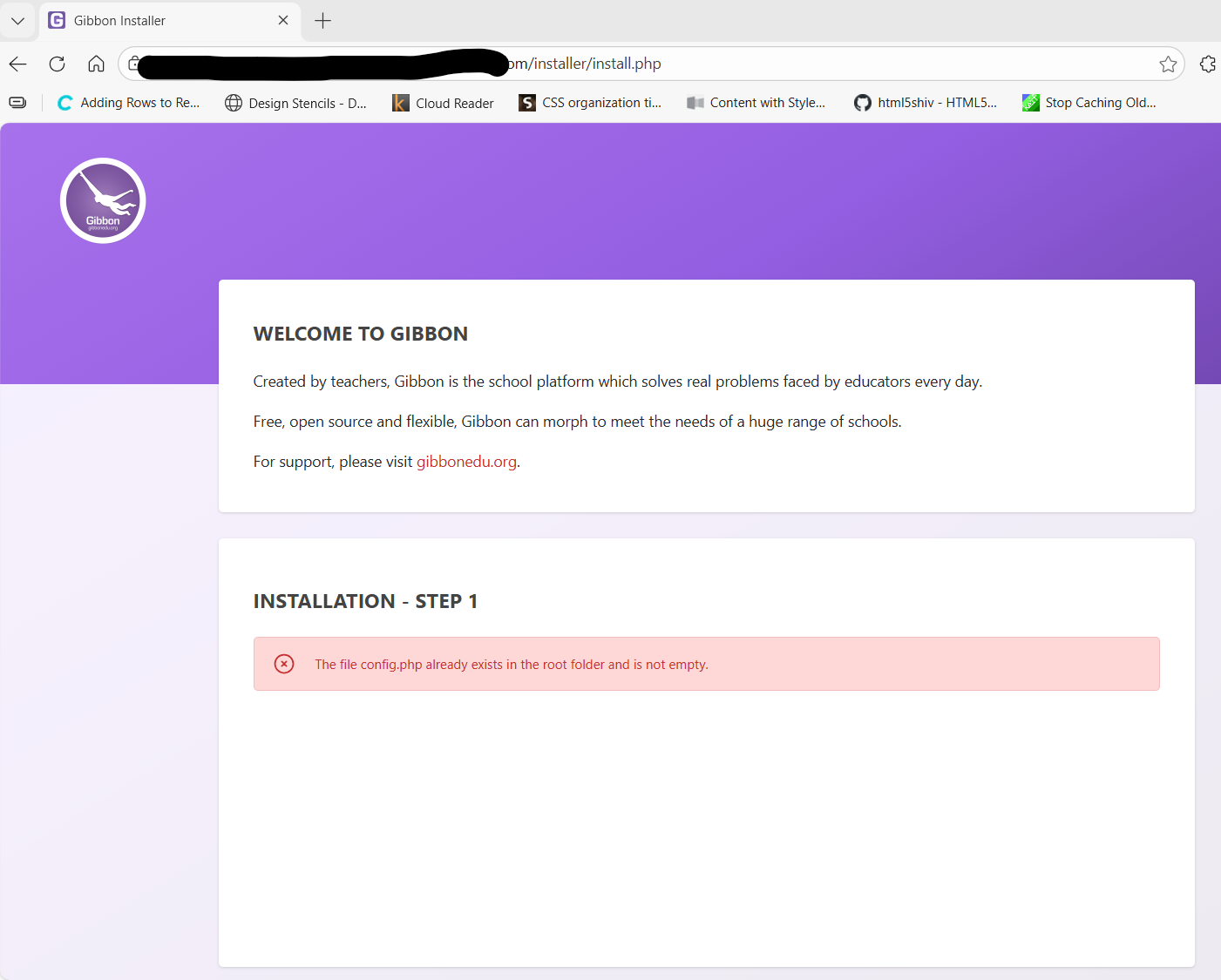
I’m seeing an intermittent issue where, when accessing the site, I am sometimes taken to /installer/install.php instead of the normal homepage.
I first noticed this behavior with v30.0.00, and it is still occurring with v30.0.01. This happens not only after an upgrade, but also on a fresh installation.
When this occurs, the installer page shows the message that config.php already exists. If I click on the Gibbon logo, I’m redirected back to the main site and everything functions normally.
Thank you for sharing the issue. We might think it is something to do with your server settings, since we have not faced any issue like that as of yet, nor anyone else has reported it. It’s also a bit difficult to replicate this problem. However, I think adding you may try adding this change from the PR: Fixed the issue of redirect to installer file by ali-ichk · Pull Request #2062 · GibbonEdu/core · GitHub in your codebase and check if the issue is fixed or still persists. Please give us a feedback whether the solution works so we can merge into v31. Thanks!
I tried applying the change from the PR, but unfortunately it didn’t resolve the issue.
I also tested this on both versions v29.0.00 and v30.0.01, and observed the same behavior in each case.
The only workaround that consistently fixes it is disabling Varnish on the server before installing Gibbon, then re-enabling it after the installation is complete and I can access the homepage.
This is the same server I’ve been using to install Gibbon since v19, and this is the first time I’ve encountered this behavior post-installation. It may be related to a change in how Varnish (or caching in general) is handled on the server, which I’ll investigate further.
For context, the server runs on a managed cloud/PaaS-like environment, so I don’t have direct control over the underlying OS.