How to Transfer Student, Staff, and Class Data from the 2025 to 2026 School Year in Gibbon

We are currently using the Gibbon platform and would appreciate guidance on how to transfer all academic and administrative data from the 2025 school year to 2026. Specifically, we are looking to migrate records related to students, teaching staff, classes, and other associated information.

So far, we have not found an automated method to complete this process. If such a feature exists within the platform, or if there is a recommended procedure to ensure a correct and complete data transfer, we would greatly appreciate your guidance or any relevant documentation.

For reference, we are using the following system version:
Gibbon version: v29.0.00

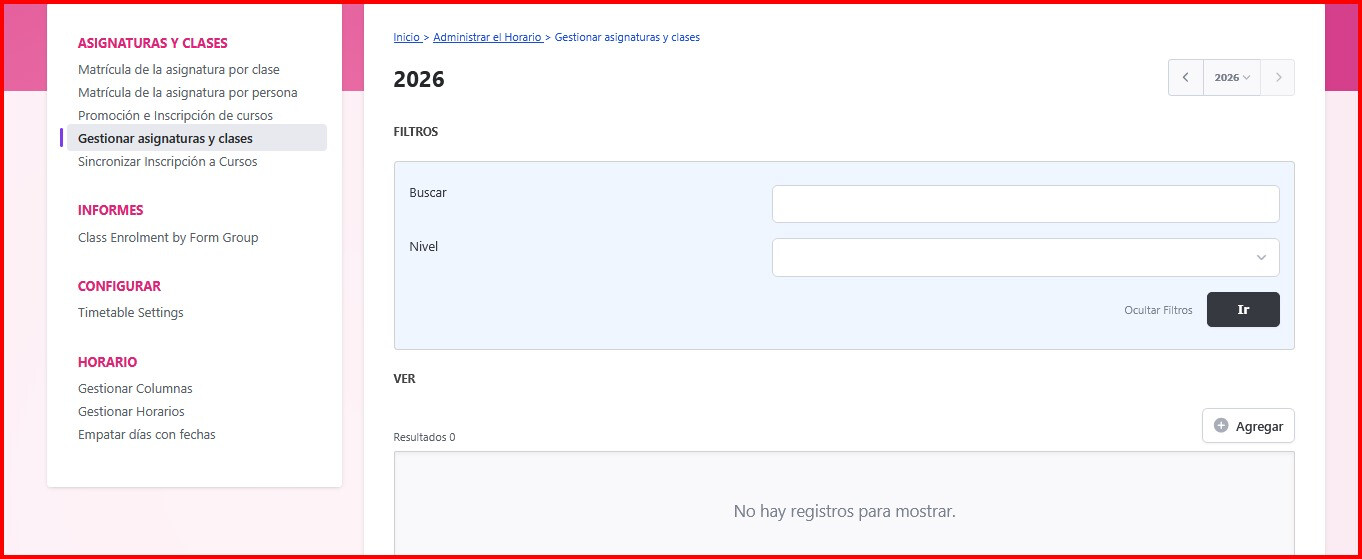
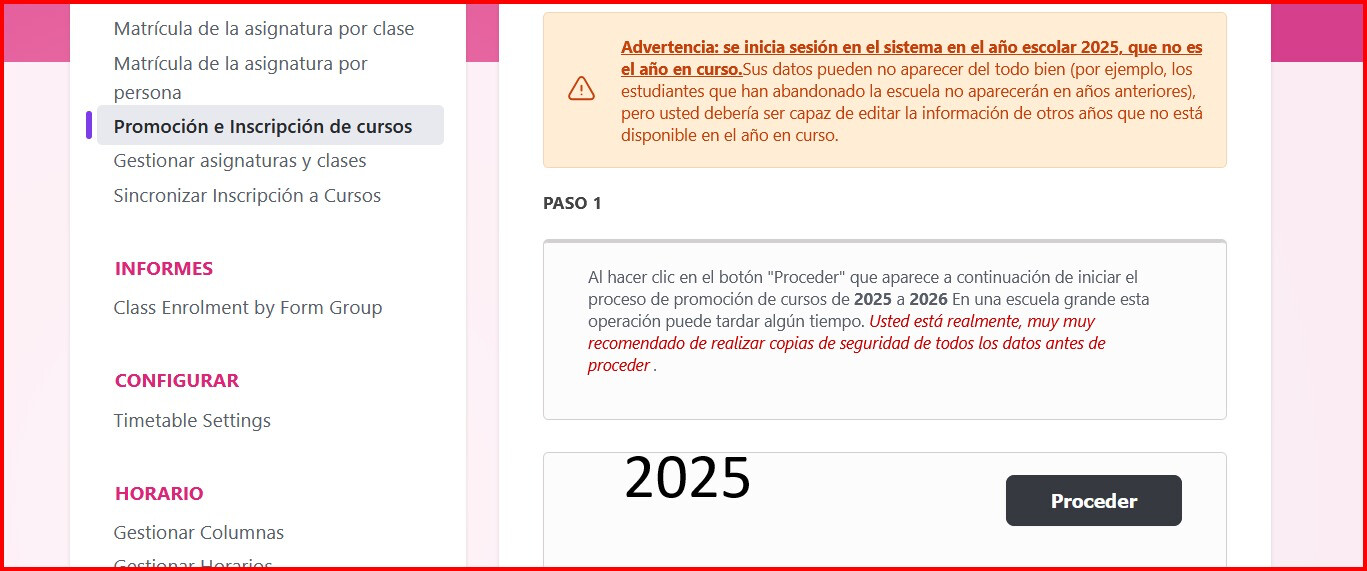
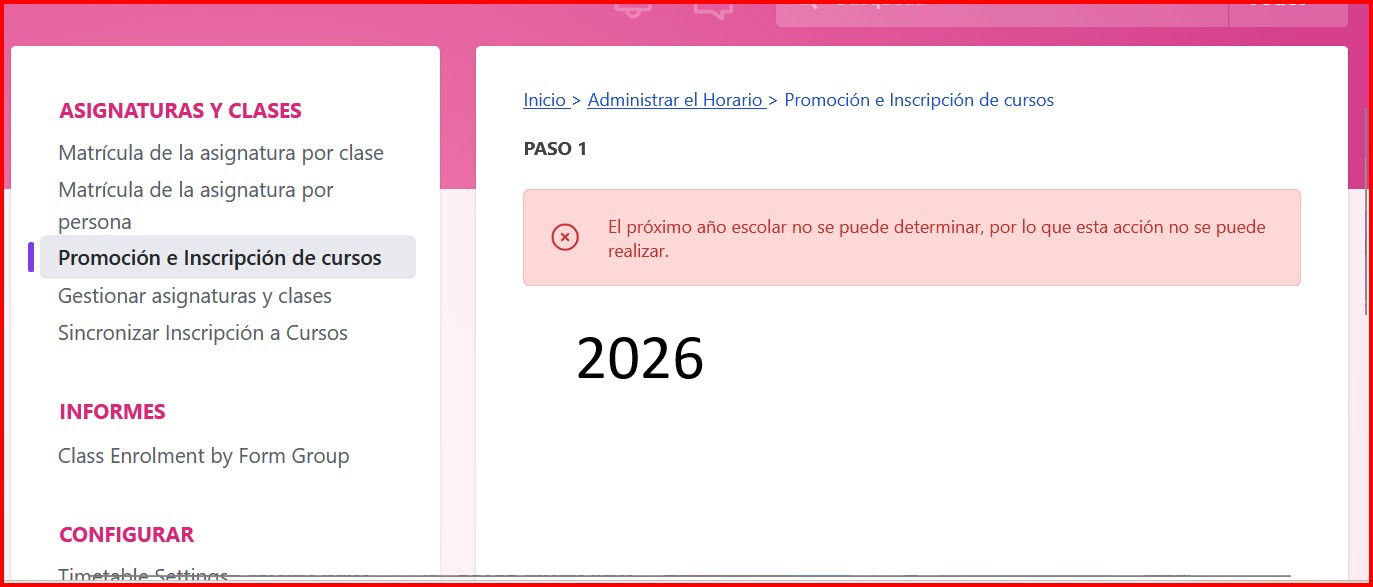
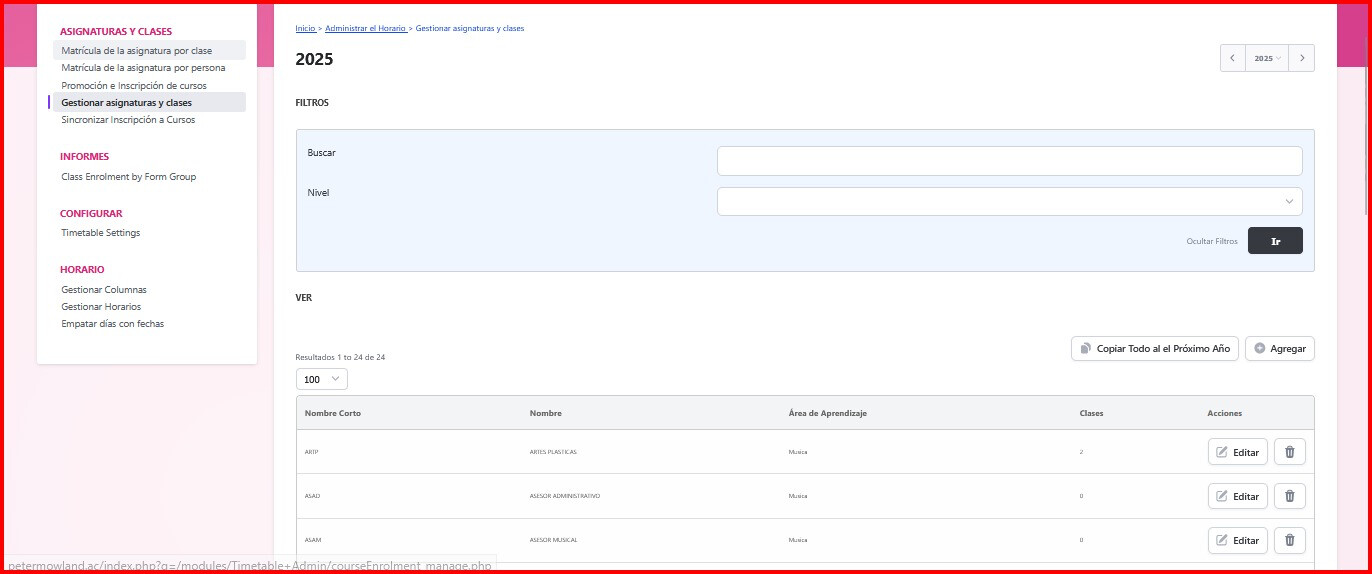
Below, we will share screenshots showing the data as it appears in the 2025 school year and how the same sections appear in 2026 with no data currently added.

Thank you in advance for your support.
Hi @beafranco_co ,

It sounds like you’re looking for the School Year Rollover process. It can be daunting at first, but the documentation is quite good for this section. You’ll want to have a look at School Year Rollover or search in the forums for that specific term, ‘Rollover’.

Much of the specific data, like the timetable, enrolment, facility designations, gradebooks, are refreshed when rolling over. You can set some features to automatically populate the following year, using form groups. Be sure you’ve copied all the relevant classes and form groups to the 2026 year, and then you can auto-enrol students based on their form groups.

You will need to rebuild the timetable, however, but if there are no changes from last year you can simply import the data from a previous year.