Hi everyone. I would like to have options for our office admin to be able to export student lists with all the information that is on the database on each student (address, email, parents, phone numbers, etc. etc).
I saw there did not seem to be an option to do this, and read it should be possible through the Query Builder module.
However, after installing, when I create on “Add query”, I see several PHP warnings/errors, and I am not sure things are displaying how they should.
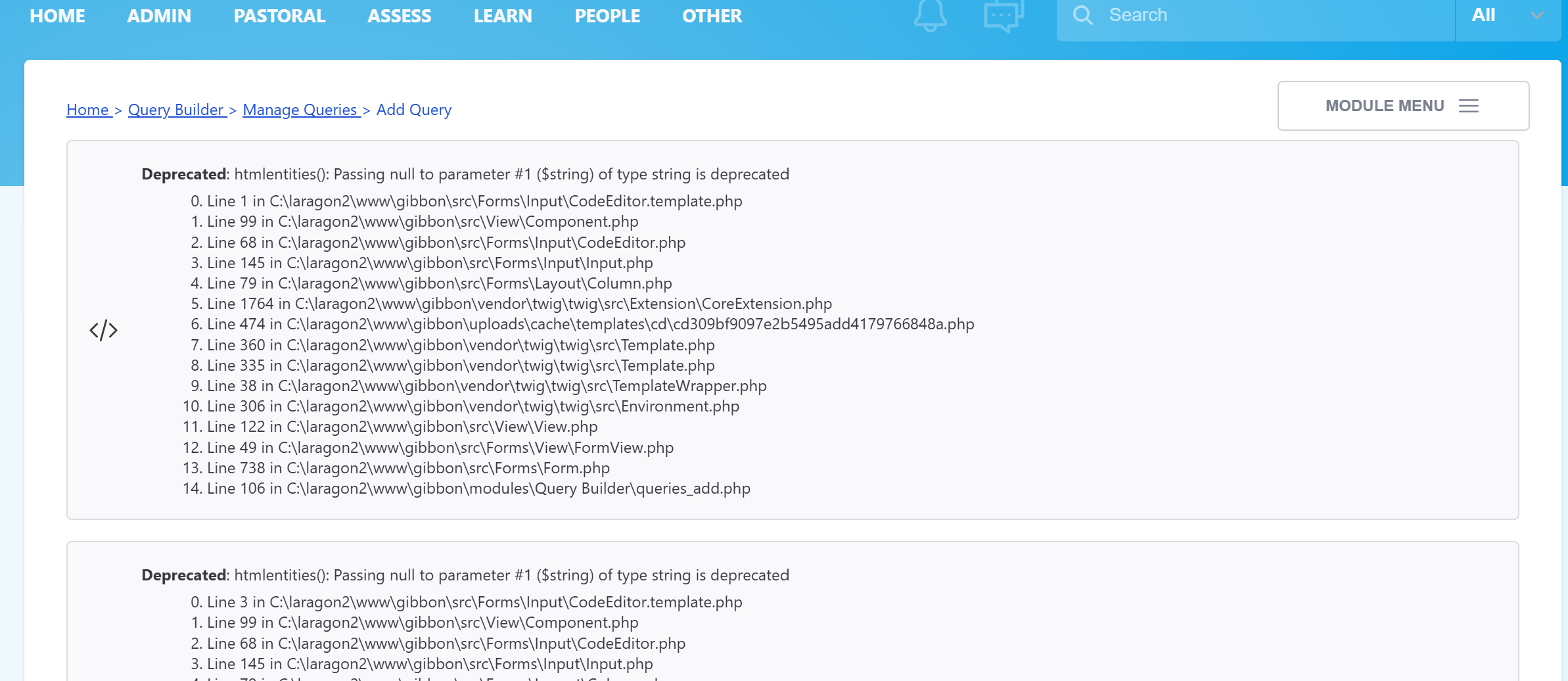
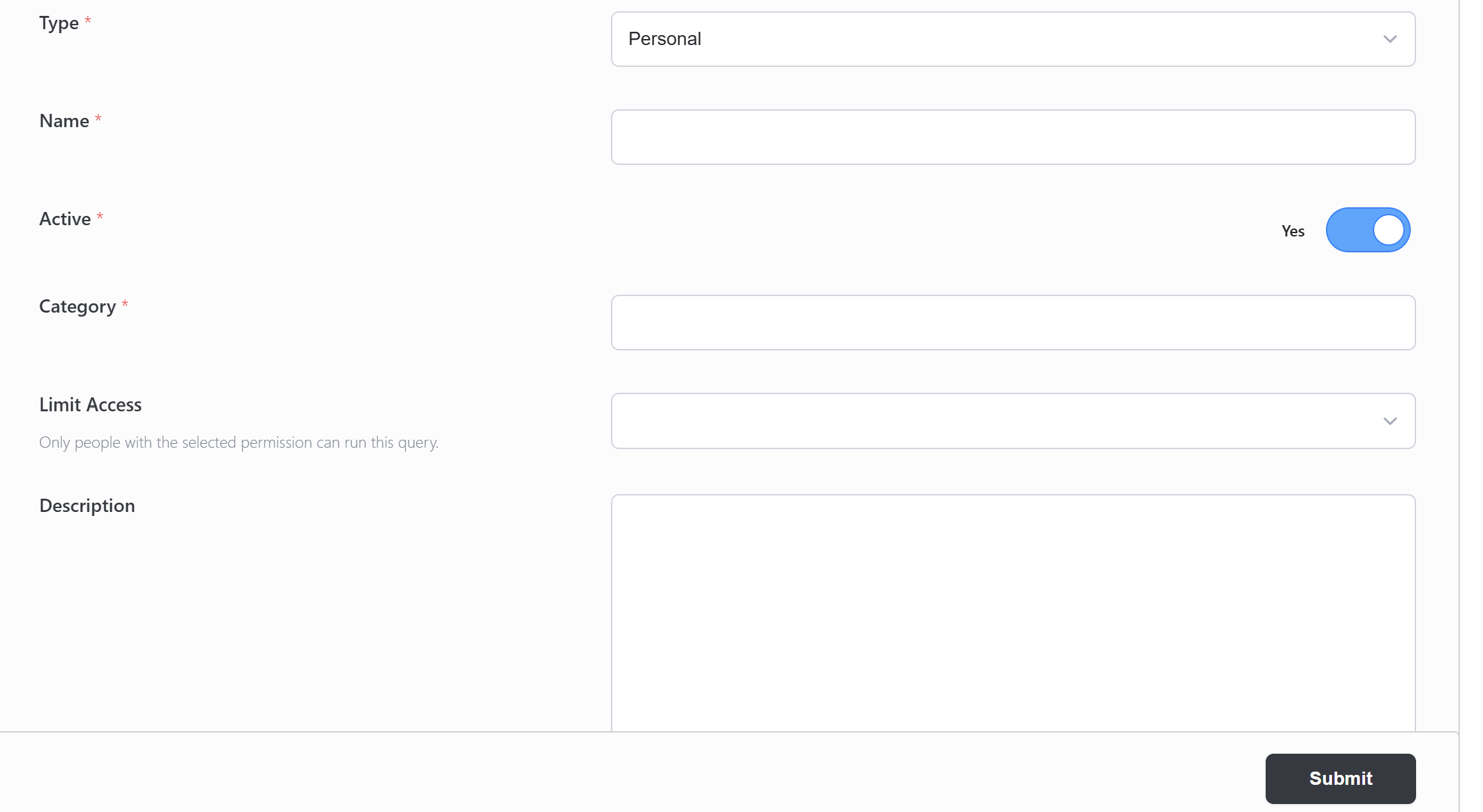
And if I click the “Help’“ button I get a pop up with the following:
Warning: Undefined array key “Tables_in_Gibbon” in C:\laragon2\www\gibbon\modules\Query Builder\queries_help_full.php on line 63
Warning: Undefined array key “Tables_in_Gibbon” in C:\laragon2\www\gibbon\modules\Query Builder\queries_help_full.php on line 65
Warning: Undefined array key “Tables_in_Gibbon” in C:\laragon2\www\gibbon\modules\Query Builder\queries_help_full.php on line 68
Warning: SQLSTATE[42000]: Syntax error or access violation: 1064 You have an error in your SQL syntax; check the manual that corresponds to your MySQL server version for the right syntax to use near ‘’ at line 1
-
Line 200 in C:\laragon2\www\gibbon\src\Database\Connection.php
-
Line 184 in C:\laragon2\www\gibbon\src\Database\Connection.php
-
Line 119 in C:\laragon2\www\gibbon\src\Database\Connection.php
-
Line 68 in C:\laragon2\www\gibbon\modules\Query Builder\queries_help_full.php
Uncaught Exception: Error - PDO object is uninitialized
-
Line 70 in C:\laragon2\www\gibbon\modules\Query Builder\queries_help_full.php
-
Line 70 in C:\laragon2\www\gibbon\modules\Query Builder\queries_help_full.php
-
Line 87 in C:\laragon2\www\gibbon\src\View\View.php
-
Line 478 in C:\laragon2\www\gibbon\src\View\Page.php
-
Line 73 in C:\laragon2\www\gibbon\fullscreen.php
Any ideas?
Also, is there any documentation on how to use this module?