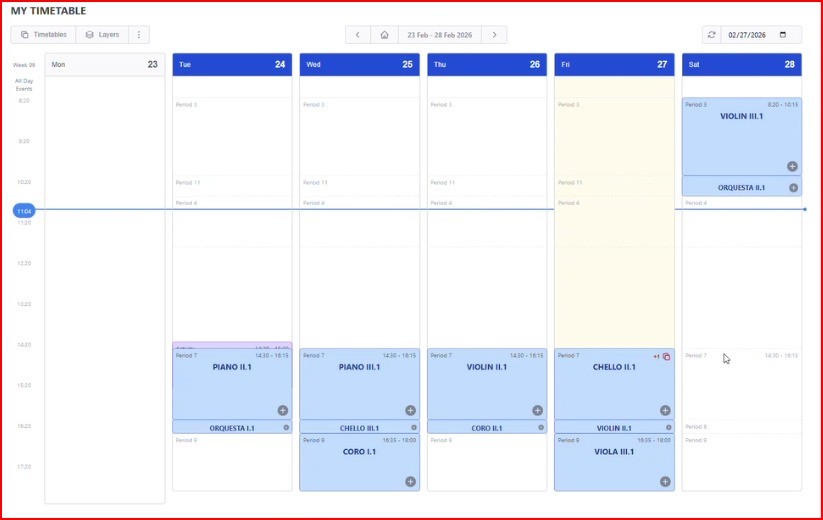
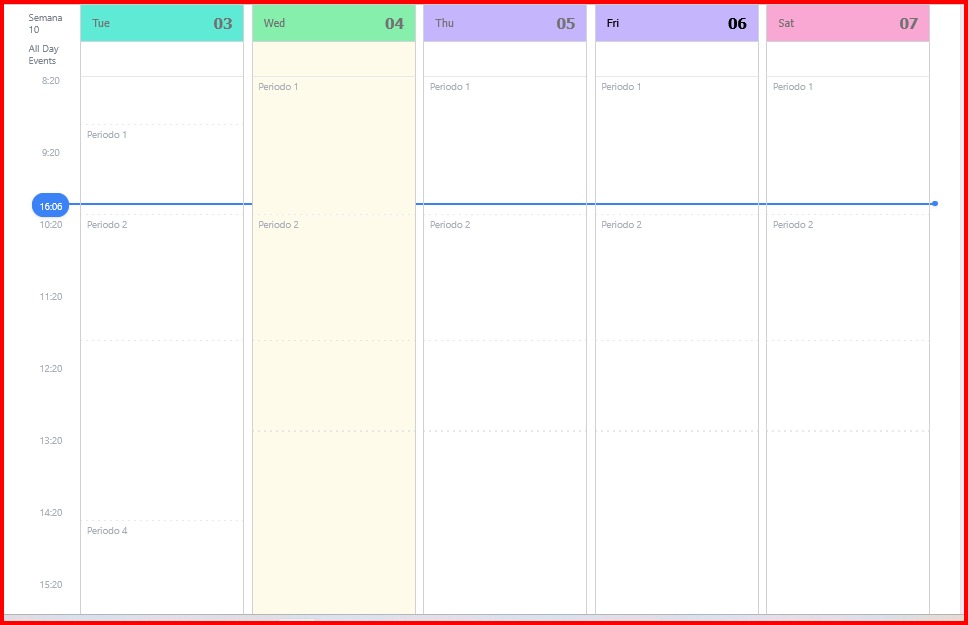
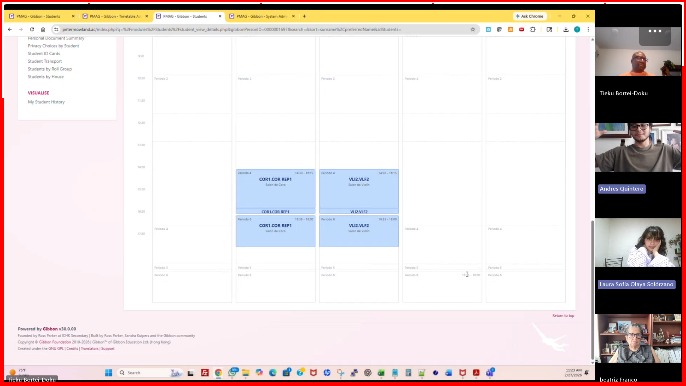
As shown in the three images attached to this request, the first illustrates how the schedule should be displayed correctly. The second shows how it appears on our Gibbon platform (Petermowland.ac), and the third shows the current status.
During the testing phase, on February 27, 2026, in a meeting it was demonstrated that in their Petermowland.ac system the application was working correctly and it was possible to view each user’s classes and corresponding schedules in their calendar.
However, this function was not permanently implemented in the Petermowland.ac system, and we are currently unable to access the schedule visualization from each user’s profile.
We would like to know the reason why we do not have access to this type of visualization.
Thank you in advance for your time and for reviewing this request.
In order to narrow down the issue, here are some possible checks you could do and see if the issue persists.
First, check your role permissions. Gibbon has different permissions for viewing timetables. _my allows you to see your own, and “View Timetable by Person” that lets you view anyone’s.
If your admin role only has the “_my” version, you won’t be able to see other users’ schedules. Go to Admin > User Admin > Manage Permissions, and under the Timetable module make sure “View Timetable by Person” is enabled.
Second, even with the right permissions, the schedule will show blank if timetable days haven’t been tied to actual dates for the current school year. Check Timetable Admin > Tie Days to Dates and make sure that’s been done for this year.
If neither of those fixes it, let us know which Gibbon version you’re on and whether the timetable shows up correctly when a user views their own dashboard. Hope that helps.